
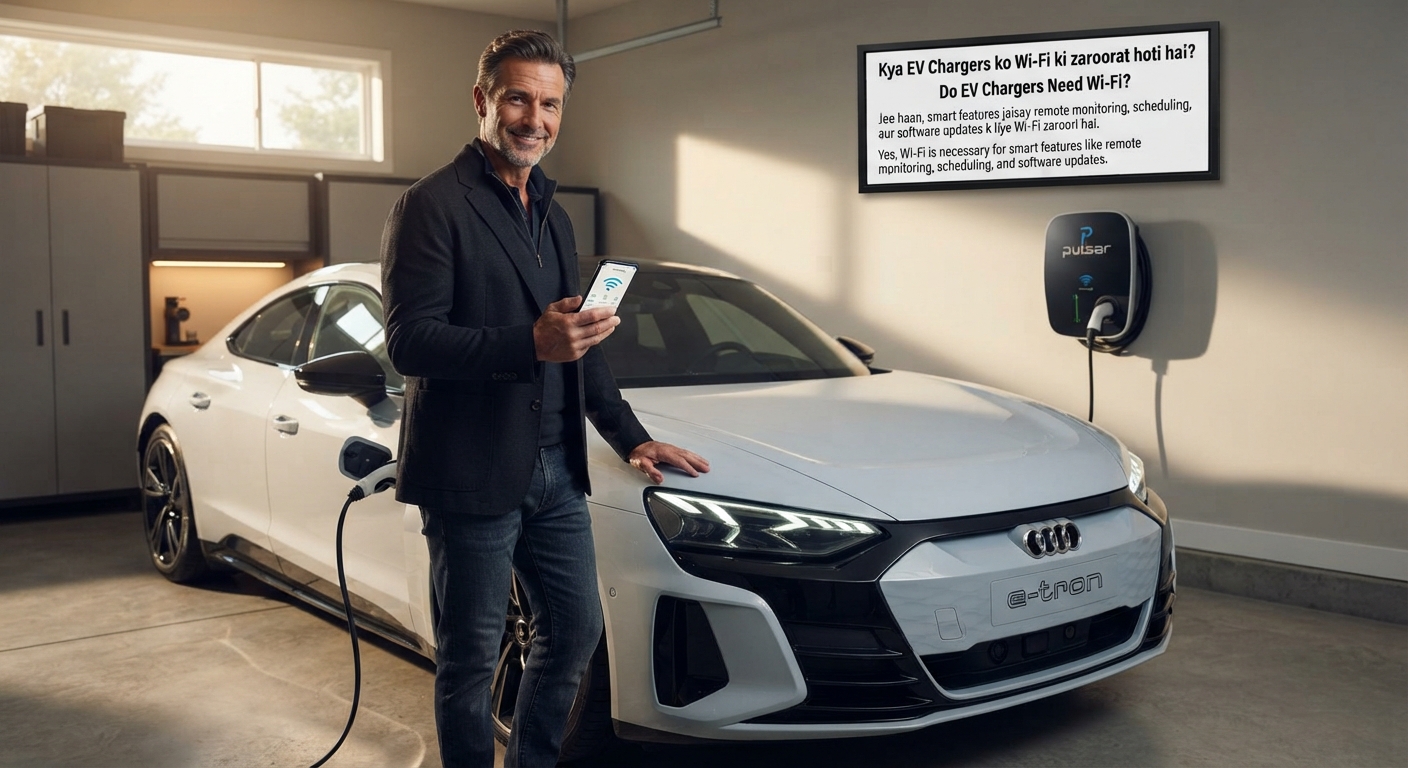
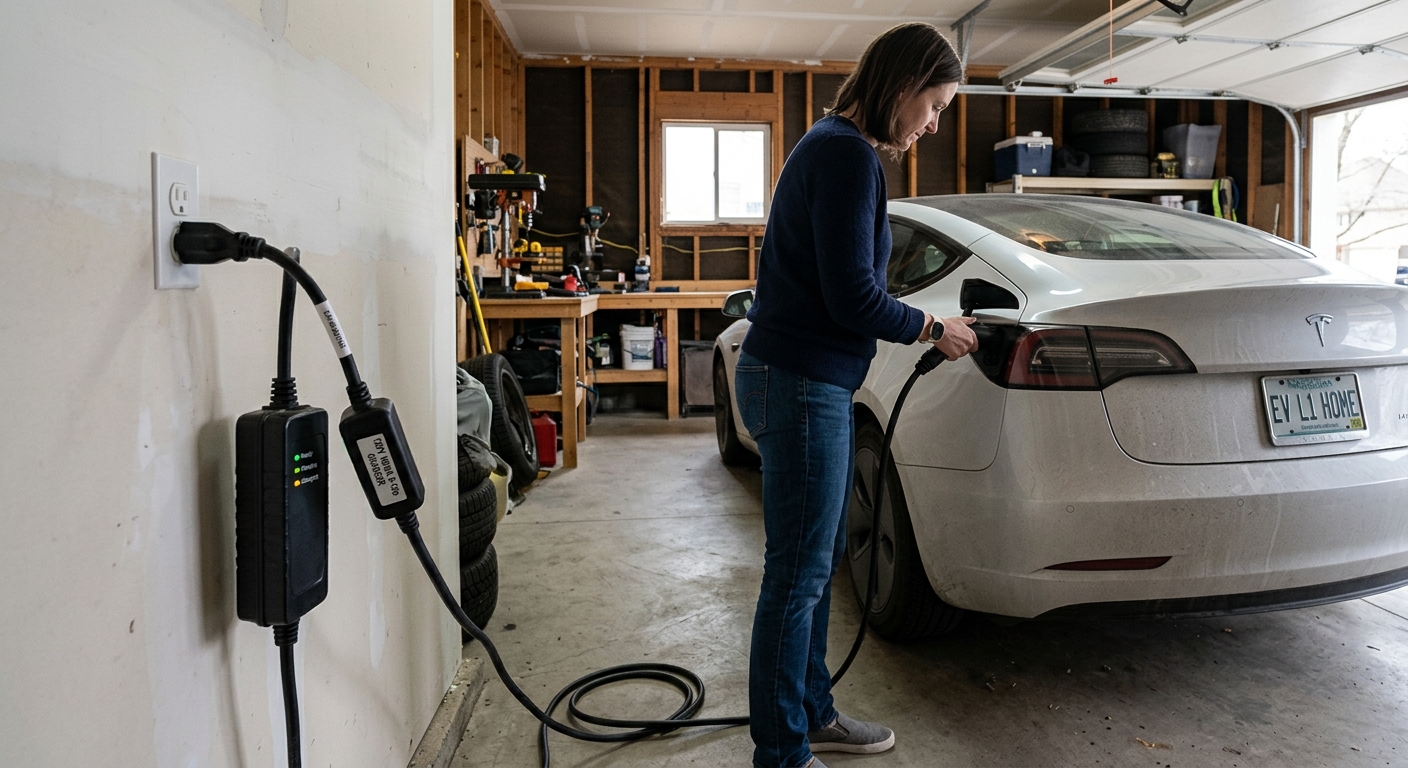
Most EV chargers can charge your car without Wi-Fi or any internet connection. Wi-Fi is only needed for extras such as remote control, scheduling updates, usage data and software updates. If you charge at home and don’t care about schedules or data, a simple charger works just as well.
what works without Wi-Fi?
| Feature | Works without Wi-Fi? |
|---|---|
| Basic charging | Yes |
| Existing saved schedules | Usually, but changing them needs a connection |
| App control and remote start/stop | No |
| Firmware updates | No |
| Usage data and cost tracking | Limited or no |
| Smart tariffs, utility programs and solar integration | No |
| Public chargers | Usually not, since they rely on a network |
What happens if the Wi-Fi drops?
Behaviour varies by brand, so check your charger’s help pages. One brand’s documentation gives a typical example. The charger keeps working at its default settings, which for that model is 40 amps on a NEMA 14-50 plug or 48 amps hardwired. It keeps essential settings such as breaker size. But the app can’t control it, a session that was already running continues, and a paused session has to reconnect to resume. Pre-set schedules stay active, though updating them needs internet.
What you lose without Wi-Fi
- Remote control: Starting, stopping and monitoring from your phone.
- Schedule changes: Adjusting charging times away from the charger.
- Firmware updates: Manufacturers can push updates that improve charging logic or add features, but only over a connection.
- Usage data: Detailed session and cost tracking.
- Smart integrations: Smart tariffs, utility demand-response programs, and coordination with solar or battery systems.
- Remote diagnostics: Support teams can’t check on your charger.
Want a charger with the features you’ll use? Compare smart Level 2 chargers https://evchargeradvisor.online/
What about Bluetooth?
Some chargers offer a limited offline mode over Bluetooth. For example, one brand says you can set up schedules, solar charging and cost tracking over Bluetooth when you’re within about 5 metres, though remote access and automatic updates still need Wi-Fi. Other models use Bluetooth only for initial setup, so check your model.
Ways to connect a charger
| Connection | Pros | Cons |
|---|---|---|
| Wi-Fi | Easy, built into most smart chargers | Weak signal in many garages |
| Ethernet | More stable and faster than Wi-Fi | Needs a cable run to the charger |
| Cellular (4G/SIM) | Works where Wi-Fi doesn’t | Some plans involve recurring fees |
What if your garage has weak Wi-Fi?
You have several options:
- Move or add a Wi-Fi access point closer to the garage, such as a mesh node or extender.
- Run an Ethernet cable to the charger, which is more reliable than Wi-Fi.
- Choose a cellular model if your charger offers one.
- Use a non-connected charger, which keeps charging uninterrupted where the signal is poor.
Underground and multi-unit garages are the hardest cases, and some vendors now offer Bluetooth-based systems that need no network at all.
Do you need a connected charger?
| You should consider Wi-Fi if you… | You can skip it if you… |
|---|---|
| Use a time-of-use plan and want easy schedule changes | Charge overnight on a fixed schedule |
| Have solar or battery storage | Have a single EV and a simple routine |
| Want load management or demand-response credits | Rely on your car’s own scheduling |
| Want usage data and remote alerts | Have a poor signal and don’t need remote features |
What about public chargers?
Public chargers usually use cellular or Wi-Fi for billing, monitoring and remote control, and most won’t work properly without a network.
What to look for when buying
- Does the features list match your needs? Scheduling, load management and solar integration all need a connection.
- What’s the offline behaviour? Check the manual or help pages.
- Which connection types are supported? Wi-Fi, Ethernet, cellular and Bluetooth.
- Does it work with your utility program or smart tariff, if you use one?
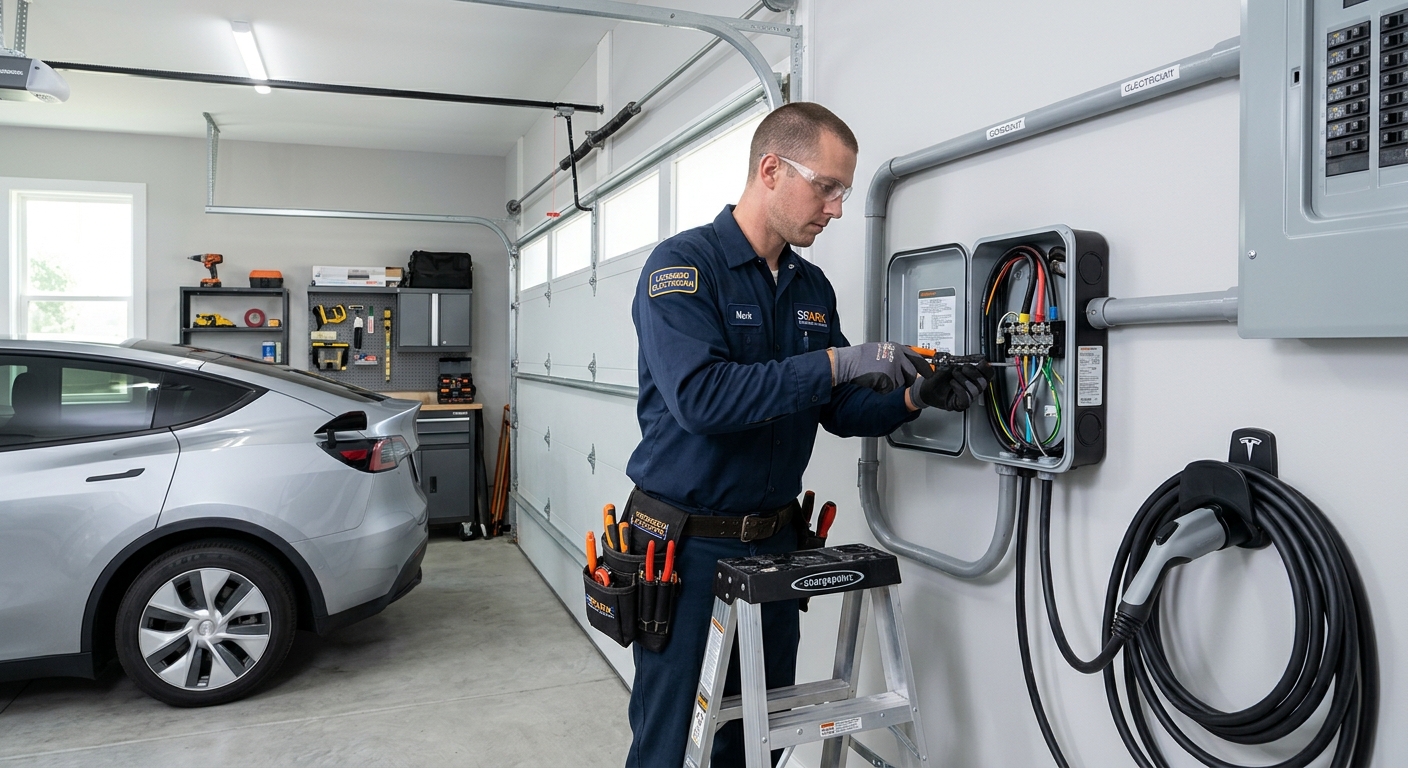
- A dedicated circuit and licensed installer.
Next step: Get a licensed installer quote https://evchargeradvisor.online/
FAQ
- Do EV chargers need Wi-Fi?
No. Basic charging works without it. - Will my charger still charge if the Wi-Fi goes down?
Typically yes. A session already running continues, though app control stops until it reconnects. - What do I lose without Wi-Fi?
Remote control, schedule changes, firmware updates, usage data and smart integrations. - Can I use an EV charger with Bluetooth only?
Some models allow local schedule setup via Bluetooth within a few metres. - What if my garage has no Wi-Fi?
Add a mesh node or Ethernet, choose a cellular model, or use a non-connected charger. - Do public EV chargers need internet?
Usually yes, for billing and remote management. - Do I need Wi-Fi for solar or utility programs?
Yes. Those features need a connected charger.
Final thoughts
Wi-Fi isn’t required to charge, but it unlocks the features that can save money and effort. Choose a connected charger if you’ll use them, and a simpler one if you won’t.
Ready to choose? See our top home chargers https://evchargeradvisor.online/
General information only. Offline behaviour varies by product. Check your charger’s documentation.

Leave a Reply