
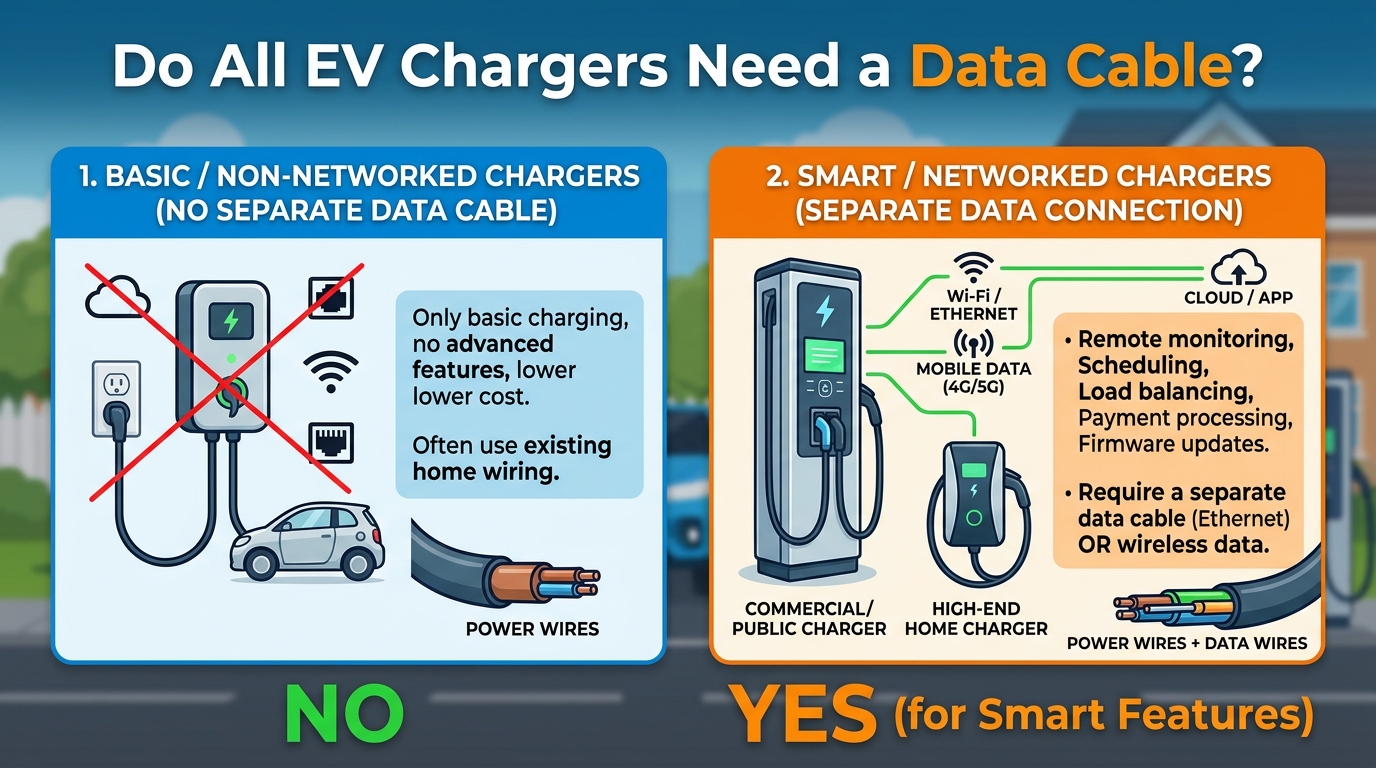
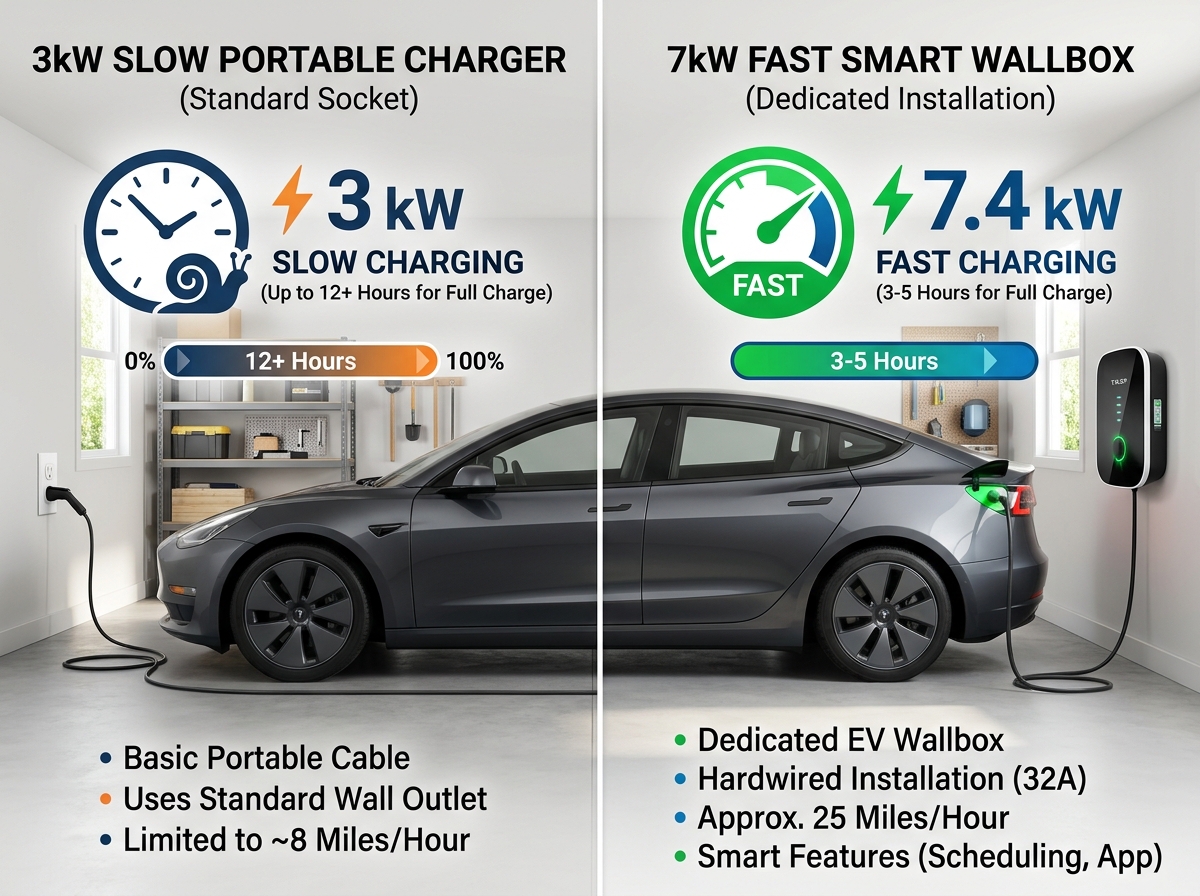
Establishing a residential electric vehicle (EV) charging infrastructure requires evaluating electrical circuit design, wallbox mounting parameters, and data connectivity requirements. Modern Level 2 charging stations supply 20 to 44 miles of driving range per hour over a 240-volt single-phase branch circuit. As homeowners explore smart wallbox features, dynamic load management, and solar integration, a common technical question arises regarding control wiring: Do all EV chargers need a data cable?
Not all EV chargers need a data cable. Whether a data cable is required depends on the charger type, its features, and how it connects to your home’s electrical system.
Under National Electrical Code (NEC Article 625) standards, understanding the distinction between high-voltage AC power conductors and low-voltage communication wiring ensures safe, code-compliant, and fully optimized charging installations.
For complete hardware reviews, installer guides, and panel load calculators, visit EV Charger Advisor.
1. When Is a Data Cable Required vs. Optional?
Powering an EV charger and controlling its smart features rely on two distinct wiring classes:
A. Standalone (“Dumb”) Chargers — No Data Cable Needed
-
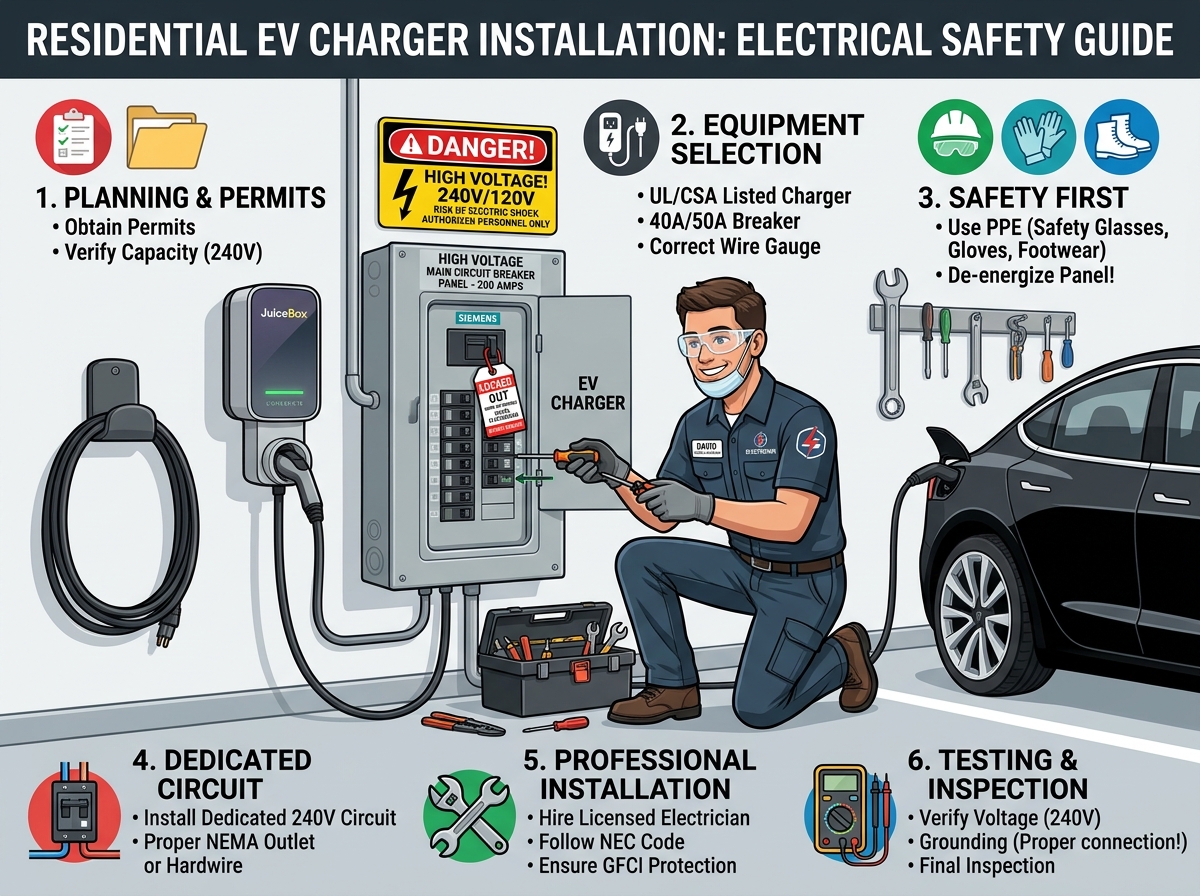
Basic Operation: Standard Level 2 chargers draw high-voltage AC power directly from the main panel through dedicated power conductors (Hot 1, Hot 2, Neutral/Ground).
-
Control Signaling: All basic handshake communications between the charger and the vehicle occur through the control pilot (CP) pin inside the standard J1772 or NACS charging cable. No external Ethernet, RS485, or data cables are required.
B. Smart & Networked Chargers — Wireless vs. Hardwired Data
-
Wi-Fi / Cellular Connection (No Physical Data Cable): Most residential smart wallboxes connect wirelessly to home Wi-Fi or cellular networks to provide app controls, time-of-use (TOU) scheduling, and remote firmware updates.
-
Hardwired Ethernet Cable (Cat5e / Cat6): Installed in locations with weak Wi-Fi signals (e.g., underground parking garages, detached sheds, or thick concrete structures) to guarantee continuous cloud connectivity.
C. Hardwired Data Cables for Dynamic Load Management (RS485 Modbus)
-
EVEMS & CT Clamp Integration: When installing an Electric Vehicle Energy Management System (EVEMS) or solar surplus tracking (such as myenergi Zappi or Wallbox Pulsar Plus), a hardwired twisted-pair data cable (such as RS485 / Modbus or Cat5e) connects Current Transformer (CT) sensors directly to the charger logic board.
-
Why Hardwiring Matters: Hardwired data lines provide real-time, zero-latency current reading to adjust charging speeds dynamically, preventing main electrical panel overloads under NEC 625.42.
To learn more about how charger power levels and wire sizes compare, check out our guide on EV charging types.
2. Data Cable Types & NEC Separation Requirements
When installing low-voltage communication lines alongside high-voltage branch circuits, installer compliance is mandatory:
-
Cat5e / Cat6 Ethernet Cables: Used for local network internet connections or Modbus CT clamp sensor communication.
-
RS485 Shielded Twisted-Pair (STP) Cables: Preferred for long-distance industrial communication between energy meters and EV wallboxes to reject electrical noise.
-
NEC Conductor Separation Rules (NEC Article 725): Low-voltage data wires cannot share the same conduit or junction box with high-voltage 240V power conductors unless the data cable is specifically rated for the highest circuit voltage (e.g., 600V insulation rating). Running unshielded data wire inside high-voltage conduit causes signal interference and violates electrical codes.
To explore Wi-Fi-enabled smart wallboxes engineered with integrated load management features, read our guide on smart chargers.
3. Practical Comparison of Charger Data Connectivity
Evaluating data requirements across different charging configurations helps determine installation complexity:
A. Standard Residential Plug-In Setup (NEMA 14-50)
-
Power Connection: 240V / 50A Circuit (#6 AWG Copper Wire)
-
Data Cabling: None (0 Cables)
-
Connectivity: Optional Wi-Fi connection for mobile app controls.
B. Hardwired Smart Setup with Solar Tracking & Load Management
-
Power Connection: 240V / 60A Circuit (#6 AWG Copper Wire)
-
Data Cabling: Hardwired RS485 / Cat5e Cable to panel CT clamps
-
Connectivity: Ensures instant load throttling without relying on Wi-Fi stability.
Comparison Table: EV Charger Data Cable Requirements
| Charger Function / Setup | Data Cable Required? | Preferred Cable Type | Primary Benefit / Purpose |
| Standard Level 2 Charging | NO | None (Power Wires Only) | Simple, lower-cost installation |
| Basic Smart App Control | NO (Uses Wi-Fi) | Wireless Wi-Fi / Bluetooth | Remote scheduling & energy monitoring |
| Weak Wi-Fi Garage Area | YES (Optional) | Cat5e or Cat6 Ethernet | Reliable cloud communication |
| Dynamic Panel Load Management | YES | RS485 / Cat5e (Shielded) | Real-time panel overload prevention (NEC 625.42) |
| Solar Surplus Matching | YES | RS485 / Cat5e (Shielded) | Direct solar export tracking via CT clamps |
Summary & Key Takeaways
-
Not All Chargers Need Data Cables: Basic and standard Wi-Fi chargers rely solely on high-voltage power cables and wireless networks.
-
Data Cables Are Required for Hardwired Load Management: Systems using CT clamp sensors or local load management require hardwired RS485 or Cat5e cables.
-
Observe NEC Separation Rules: Pursuant to NEC Article 725, keep low-voltage data cables separated from 240V power conductors unless properly voltage-rated.
-
Hardwiring Ensures Zero Latency: Using physical data lines for energy management eliminates communication dropouts caused by weak home Wi-Fi signals.

Leave a Reply